Plan it. Scan it. Keep it.
From the pre-operative plan to a record you can use.
Plan
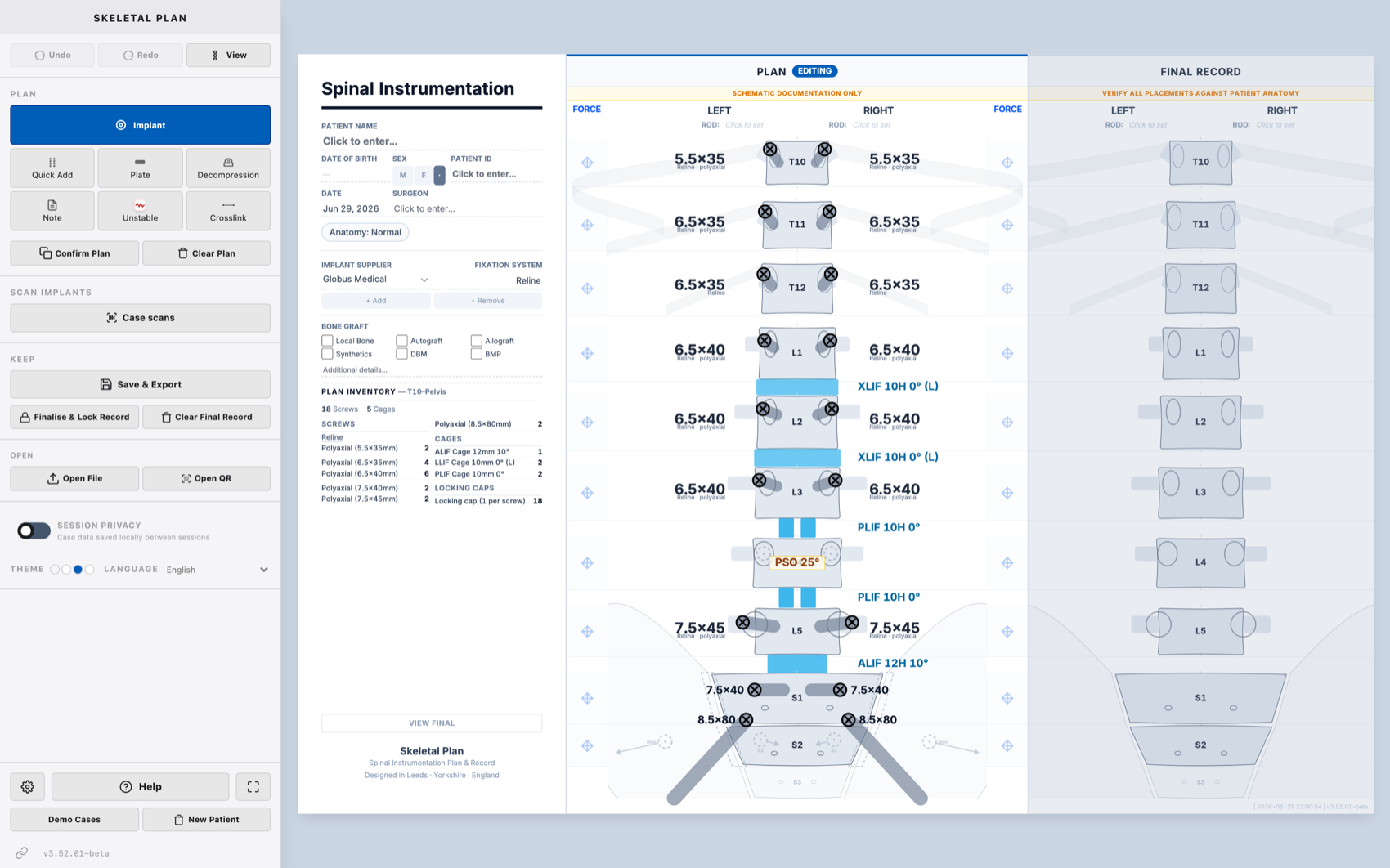
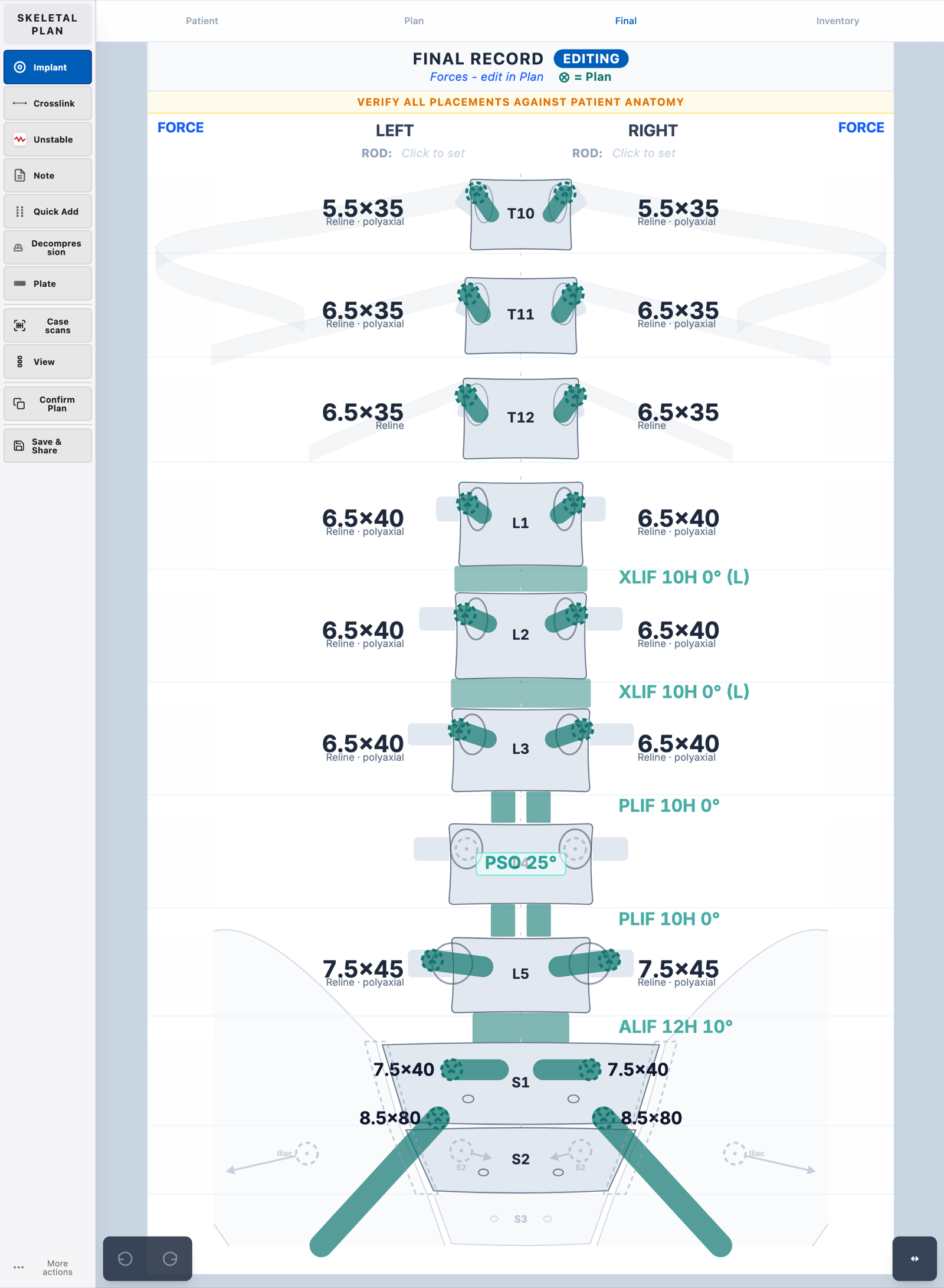
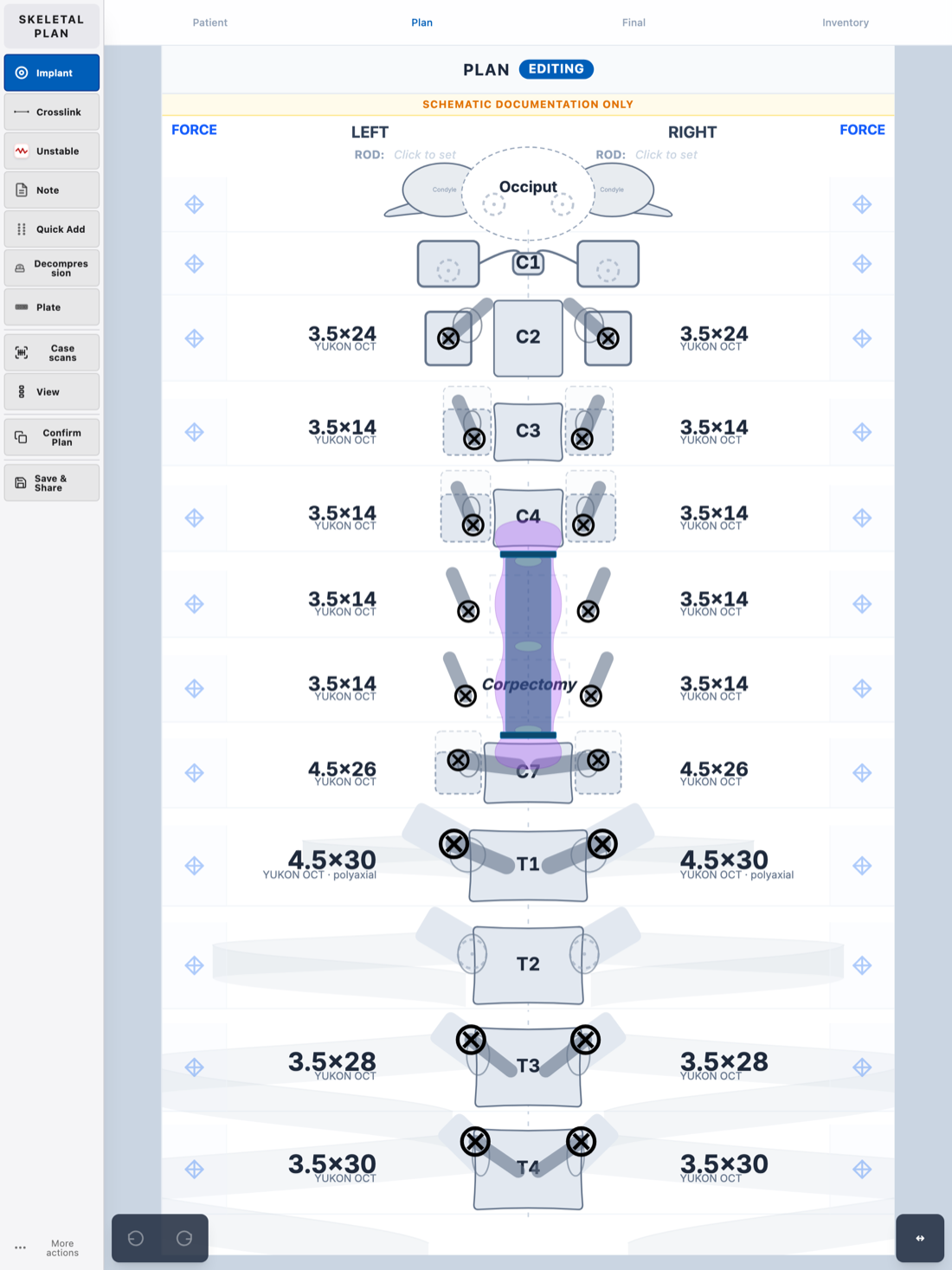
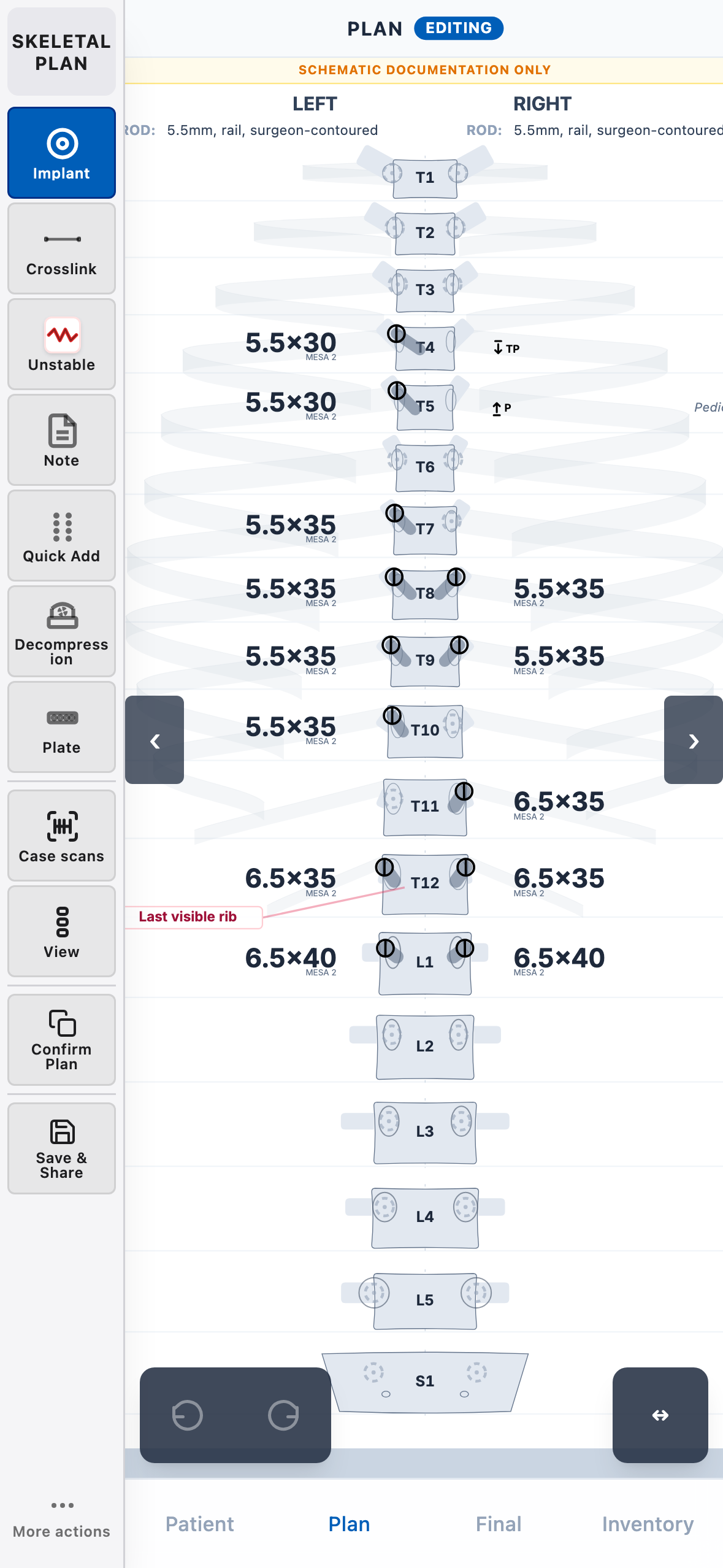
Design the construct level by level: screws, rods, cages, osteotomies and correction forces, across normal or variant anatomy. It records the osteotomy and intended correction; correction angles come from dedicated deformity-planning software.
Scan, or just record
Record the implants you used. Scan the barcodes to auto-fill the system, size, lot and expiry, or enter the sizes by hand. That is just as quick when screws come on a non-sterile tray with no packaging to scan.
Keep
Keep a clean, exportable record that stays useful long after the case:
- A PDF for the patient record and notes
- An implant inventory for stock and cost
- Lot & expiry traceability for audit
- Structured data for research
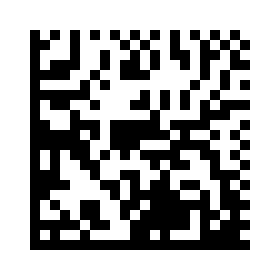
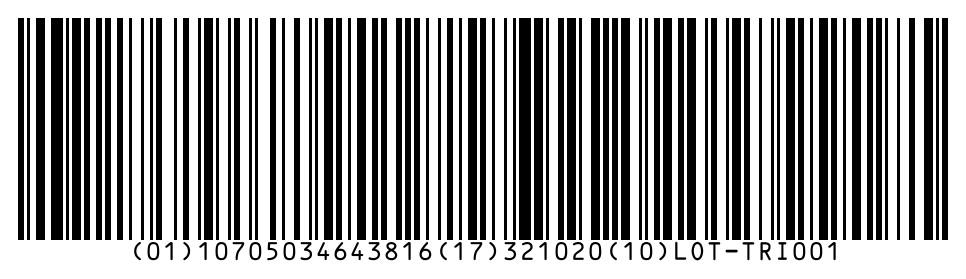
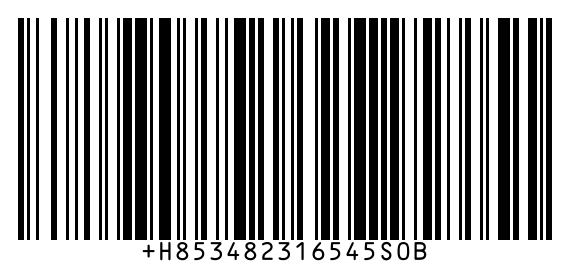
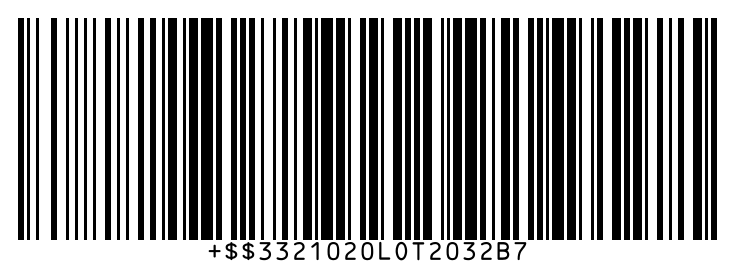
Real implant barcodes: GS1 DataMatrix, GS1-128 and a two-part HIBC (primary, then lot and expiry). Scan any with Skeletal Plan to see exactly what it is: the system, size, lot and expiry. Open the sample sheet for the full set of test codes.
Open the sample barcode sheetGet Skeletal Plan
It runs in any browser. That is the main way to use it on desktop and laptop. Phone apps and an offline file are also available.
Use it in your browser, or pick a build below.
Web browser The full app
Any modern browser, on any device. Nothing to install, always the latest version, and it keeps working offline once loaded. Add it to your home screen or desktop to pin it like an app. This is the main way to use Skeletal Plan; the options below are alternatives.
Android
On Google Play. The full implant (GTIN) catalogue is bundled in the app, and barcode scanning is faster than the browser.
Get it on Google PlayMac & Windows
On a desktop or laptop, use Skeletal Plan in your browser. It's always up to date.
Open in your browseriPhone & iPad
On the App Store. The full implant (GTIN) catalogue is bundled in the app, and barcode scanning is faster than the browser.
Download on the App StoreOnly for a PC that can never reach the network, so it can't open the web app at all. A point-in-time offline single-file build can be copied onto it (e.g. by USB), and re-copied to update.
For implant manufacturers
Get your system scanning and sizing correctly in Skeletal Plan.
The app matches scanned implants against an offline catalogue. To add or correct your system, send us both of the following. Each does a different job:
- Surgical Technique Guides (STG): so screws, rods and cages are sized correctly in the planner (diameters, lengths, ordering matrix).
- GTIN / UDI data: so the physical barcodes scan and resolve to the right implant (GS1 and HIBC).
Submit your data
Email your STGs and GTIN/UDI export and we'll add the system to the catalogue.
Email STG + GTIN dataSpinal Instrumentation Plan & Record Free
Leeds Spinal Instrumentation Plan and Record · v3.57.01-beta
A digital documentation tool for spinal surgery instrumentation. It records the pre-operative plan and the post-operative construct, replacing hand-drawn diagrams with a structured, exportable format. The web app is the main way to use it and runs in any modern browser on a connected hospital computer. Phone apps add quick implant scanning in theatre, and a single-file offline build covers the rare air-gapped machine that cannot load the web app even once.
Documentation tool, not a medical device. Not approved, cleared, or certified by MHRA, EU MDR notified bodies, or the FDA.
Population-based reference data from published literature is provided for convenience. The operating surgeon must verify all values against the patient's anatomy and imaging.
Disclaimer
These tools are documentation and communication aids for surgical planning. They are not medical devices and have not been approved, cleared, or certified by any regulatory body, including MHRA (UK), notified bodies under EU MDR 2017/745, or the FDA.
Population-based reference data (screw sizes, pedicle dimensions, vertebral proportions) is drawn from published adult morphometry literature and represents group averages. Individual anatomy varies. The surgeon must verify all dimensions against the patient's own imaging. No reference data is provided for paediatric patients (under 14 years).
The operating surgeon bears full responsibility for all clinical decisions, including implant selection, placement, and verification at the point of use (WHO Surgical Safety Checklist). The surgical record is only as accurate as the information entered by the user.
All patient data remains on the local device. No data is transmitted to any server. There is no analytics, telemetry, or user tracking. Session Privacy is enabled by default — case data is not stored unless the user explicitly enables persistence. Users are responsible for data handling under their local regulations (e.g. UK GDPR, EU GDPR, HIPAA, Caldicott principles).
This software is provided as-is under a Free Clinical Use Licence (free for clinical planning, intra-operative documentation, teaching, and research — no redistribution or commercial use), with no warranty of any kind, express or implied. A separate Commercial Licence is available for redistribution, white-labelling, or commercial use of the dataset and translations — contact skeletalsurgery@icloud.com. Versions prior to v3.0.0 were distributed under GNU GPLv3; recipients of those versions retain their GPL rights to those specific versions.